WorkHuuru
Huuru
A scene worth keeping. A cinematic still camera for iPhone, made with love.
The photograph begins in the camera
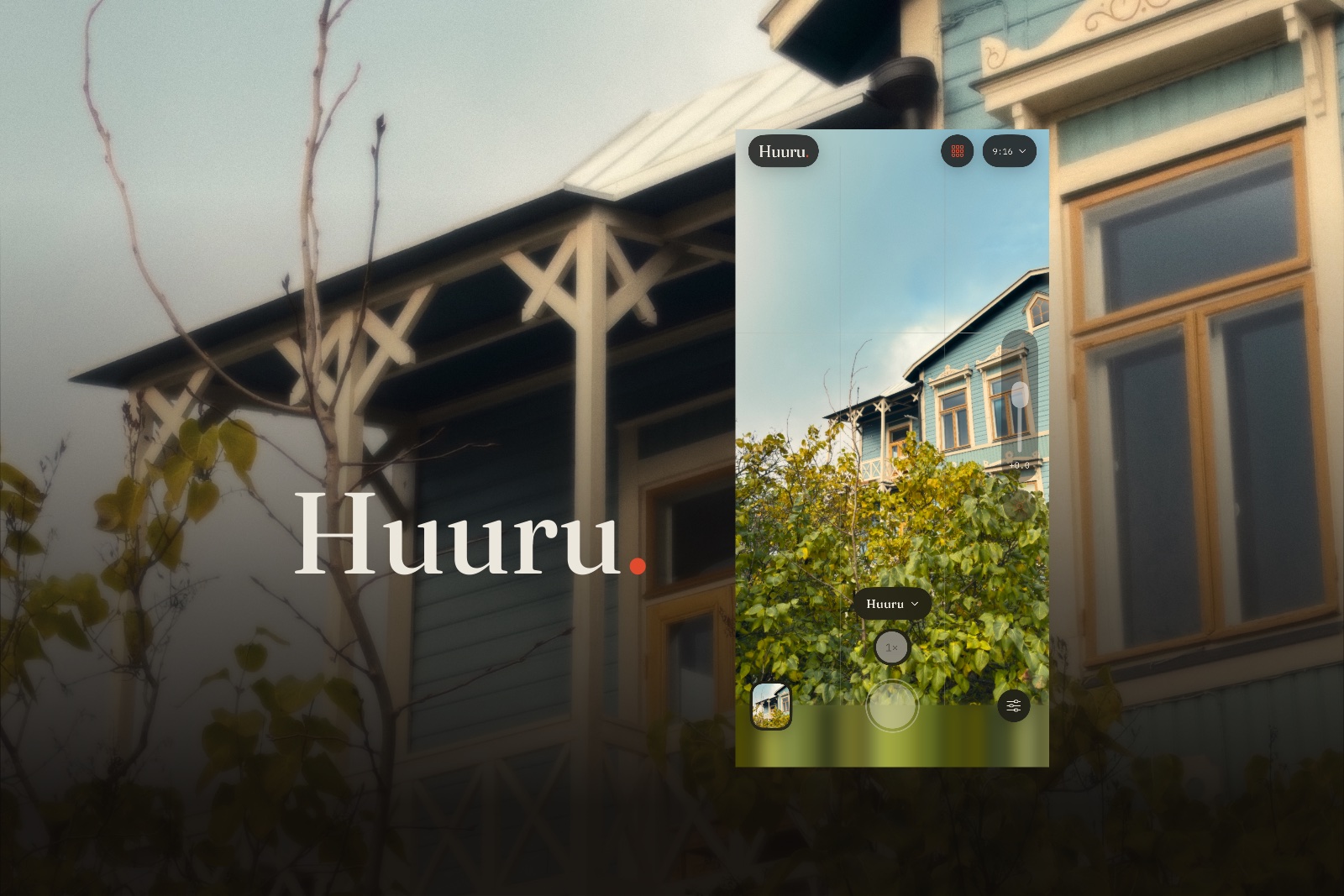
I wanted a camera that gives a still photograph the feeling of a scene. Soft light, textured colour, grain, and the sense that life continues beyond the frame. Huuru lets me see that character while I shoot.
The looks give the camera its starting points. Huuru brings turquoise tones and warm light; Hohde adds a warm glow around highlights; Pimiö carries stronger colour and contrast; Hopea finds the scene in black and white. Light, colour, grain and halation can be adjusted, then saved as a personal look for the next photograph.
I design and build the product: the photographic rendering, identity, native interface, camera and editor. They belong to the same experience, from choosing a look to returning to the finished picture.
For the photographic thinking behind the camera, read my Finnish essay Kun valokuva tuntuu hengittävän, also available in English on Huuru.
Keep the room outside the frame
A crop is a decision I may want to revisit. Huuru keeps the full image captured by the camera, including what sits outside the chosen frame. The untouched RAW original stays alongside a neutral image and the finished photograph.
That leaves room to change my mind. I can widen the composition, choose another look, bring a black-and-white image back to colour or edit an original iPhone DNG. Adjustments remain reversible; each saved version is rendered from the preserved source.
Made for the iPhone in your hand
Huuru is a native iPhone app, built with SwiftUI and Apple’s camera and imaging frameworks. The camera, editor and photo archive work locally on the phone. There is no account or subscription.
It requires iOS 26 or later, and shooting requires a rear camera that supports RAW. The camera guide explains compatibility, RAW imports and where photographs are saved.
Explore Huuru
Explore the Huuru website for photographs, the camera guide and support.
The image above combines Huuru’s visual identity with a simulator camera preview using a supplied photograph.